
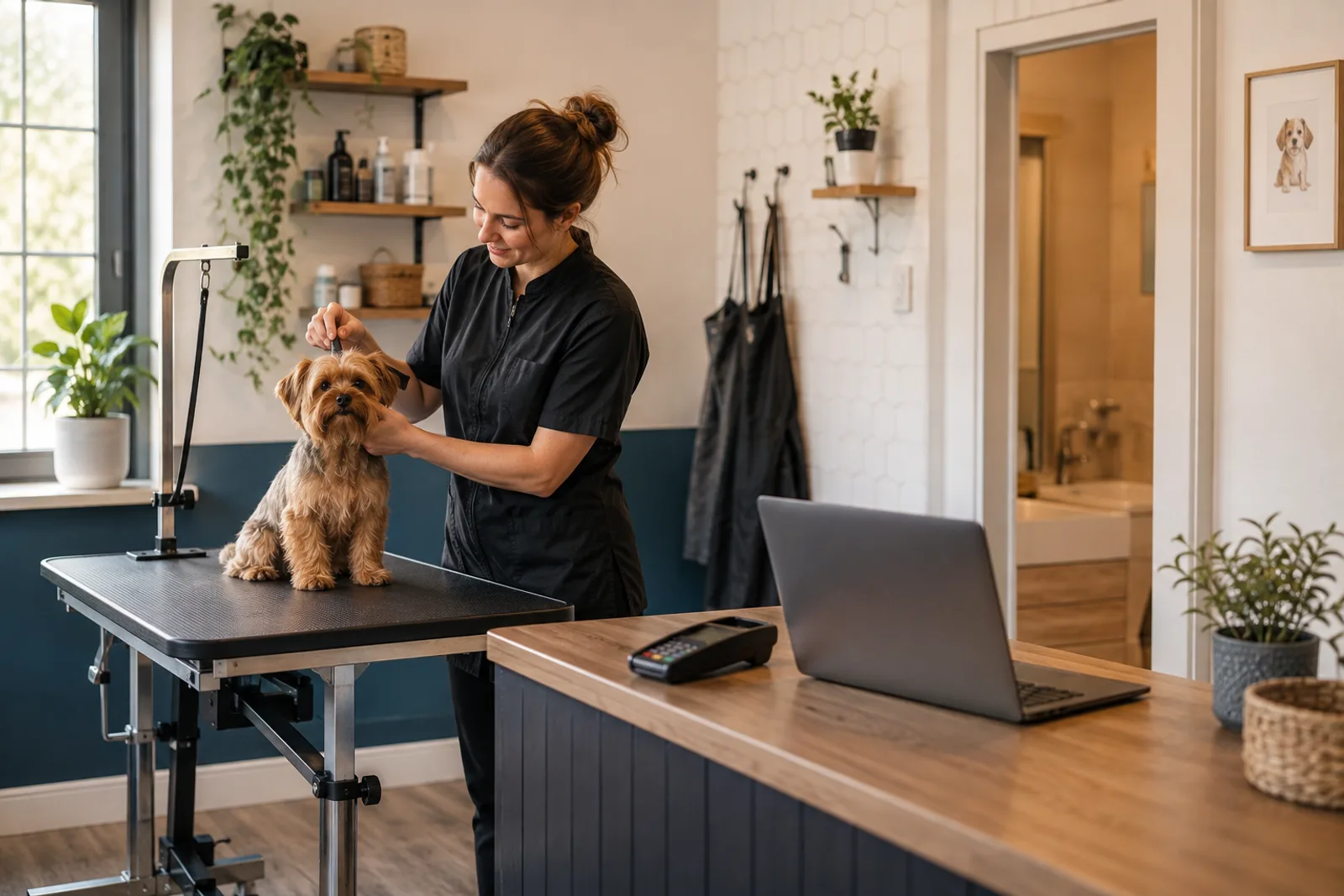
Quick answer: Solo pet groomer software should protect hands-on service time while keeping the business responsive. It needs online booking, complete pet intake, calendars, reminders, deposits and payments, client records, phone and text coverage, marketing, and rebooking. Blismo combines those operating tools with AI employees, allowing an independent groomer to automate routine conversations and follow-up while keeping control of exceptions and client relationships.
The Solo Groomer Has Two Jobs at the Same Time
During every appointment, the solo groomer is also the receptionist, scheduler, cashier, marketer, inventory manager, and owner. The phone rings while the dog is on the table. A client texts for next week’s availability while another arrives for pickup. An empty slot appears tomorrow, but there is no time to contact overdue clients or publish the opening.
The solution is not to remove human judgment from pet care. It is to remove repetitive administrative work from the moments that require attention and safety. Good software should answer routine questions, collect complete information, apply configured rules, and place the result where the groomer can review it.
Where a Solo Groomer’s Time Goes
| Administrative task | Manual pattern | Connected software pattern |
|---|---|---|
| New booking call | Stop work, return voicemail, ask questions, check calendar | Online booking or Coco handles routine phone/text booking |
| Pet intake | Details scattered across voicemail, DM, and paper | Pet name, sex, date of birth, weight, and breed/species stored with booking context |
| Confirmation | Manually send reminders and track replies | Configured confirmations and reminders use the same appointment |
| Checkout | Separate terminal, handwritten note, and receipt | Appointment, payment, tip, receipt, and report stay connected |
| Marketing | Remember to post after a long workday | Maggie uses approved work photos and open times for scheduled Instagram posts |
| Client return | Hope the owner remembers to rebook | Smart Rebooking helps identify and follow up with due clients |
What Solo Pet Groomer Software Must Include
One reliable calendar
All booking paths must use the same availability. Online bookings, phone conversations, texts, walk-ins, blocked time, breaks, and personal commitments cannot live in separate calendars. The owner needs one view of the day.
Pet-specific client records
A client record must distinguish the owner from each animal. Blismo’s grooming booking flow captures pet name, sex, date of birth, weight, and breed or species. This keeps the appointment tied to useful pet context rather than a generic contact name.
Booking outside service hours
A solo groomer cannot answer while handling an animal and should not lose every caller who reaches voicemail. A booking website gives self-service access. Coco provides another route by answering calls and texts and helping with booking or appointment changes.
Payment and calendar protection
Deposits, no-show rules, payment links, receipts, tips, and reporting should connect to the appointment. The business must configure and communicate policies clearly; software cannot repair an inconsistent policy on its own.
Follow-up that does not depend on memory
Repeat grooming produces a more predictable calendar than constantly replacing lapsed clients. The system should preserve appointment history and help identify when an owner is due to return.
How Blismo’s AI Employees Divide the Front-Desk Work
| Blismo role | Primary responsibility | Solo groomer use | Human control |
|---|---|---|---|
| Coco | AI receptionist | Answers routine calls and texts and helps book or change appointments | Services, hours, policies, and availability must be configured accurately |
| Alice | AI business manager | Surfaces priorities, business answers, and supported actions | Owner reviews consequential actions |
| Joanna | AI marketer | Creates search-focused content and local/service pages | Owner approves facts, claims, and positioning |
| Maggie | AI social manager | Turns selected work photos and open times into scheduled Instagram posts | Owner controls connected account, photos, and posting preferences |
| Smart Rebooking | Client return workflow | Finds follow-up opportunities based on connected client and appointment information | Owner defines appropriate timing and communication |
The advantage is shared context. Coco, Alice, Joanna, and Maggie are not separate contractors with separate copies of the schedule. They work around the same business system: services, calendar, clients, payments, and settings. That reduces the handoffs that usually create errors for a one-person operation.
A Day With and Without Connected Software
Without connected software, a morning begins by checking voicemail, Instagram messages, text messages, and an online form. The owner transfers details into a calendar, asks missing pet questions, confirms deposits, and apologizes for delayed replies. Marketing and rebooking are postponed because immediate service work wins.
With a configured system, the groomer begins from one schedule. New bookings contain owner and pet details. Routine callers received help. Confirmations and reminders were sent from the appointment record. Alice can show priorities, including openings or follow-up. The owner handles unusual pets, pricing exceptions, and sensitive client communication rather than every basic transaction.
What Software Should Not Automate Blindly
Automation should not make clinical decisions, guarantee that every animal can be accepted, or hide material terms. Complex coat conditions, behavior concerns, medical questions, emergency situations, and services requiring hands-on assessment need a clear escalation path. The business remains responsible for safe service and accurate communication.
Pet name, sex, date of birth, weight, and breed or species are useful intake fields, but they do not replace professional assessment. Make it easy for the client or AI to flag uncertainty and route the case for review.
How to Choose Software as a Solo Groomer
Track interruptions and manual admin for one normal week.
Rank the three tasks that most damage service time or revenue.
Test the full booking flow on a phone and by calling after hours.
Create appointments for a new pet, returning pet, and owner with multiple animals.
Verify pet name, sex, date of birth, weight, and breed or species reach the correct record.
Test rescheduling, cancellation, deposit, reminder, checkout, and rebooking.
Compare the total tool cost with the separate subscriptions and labor it replaces.
When Hiring Help Still Makes Sense
Software cannot groom another pet, clean the workspace, comfort a difficult animal, or make every judgment call. A business with enough demand may still benefit from a human assistant or receptionist. The better question is whether the first hire should spend most of the day copying information between systems.
Automation can delay an administrative hire, make a part-time hire more productive, or allow new staff to focus on high-value client care. It should improve the job, not create a maze of tools the team must supervise.
A Safe First-Week Setup for a Solo Groomer
Begin with a limited launch. Enter services, durations, prices or pricing rules, business hours, blocked time, and the five required pet fields. Test the booking website yourself before sharing it. Next, forward calls during a controlled period and review Coco’s handling of availability, service questions, and appointment changes. Correct business information before expanding coverage.
Enable reminders and payment rules only after confirming the wording and timing. Connect Instagram to Maggie with a small set of approved photos and a preferred posting time. Review Alice’s daily priorities and Smart Rebooking suggestions before any consequential action. For the first week, keep a simple exception log: missing pet data, wrong duration, unclear message, or task requiring human review. Fix patterns, then increase automation gradually.
Frequently Asked Questions
What is the best software for a solo pet groomer?
Look for one calendar, online booking, pet-specific intake, payments, reminders, communication, marketing, and rebooking. The best fit depends on whether the business is salon-based or mobile and whether route optimization is required.
How much does Blismo cost for one person?
Blismo currently publishes a US Starter plan at $29.99 per month for up to one account. Confirm current plan contents and regional pricing before purchasing.
Can Blismo answer calls while I groom?
Yes. Blismo publicly describes Coco as an AI receptionist that answers calls and texts and helps clients book or change appointments.
What pet information can the booking collect?
The Blismo grooming flow includes pet name, sex, date of birth, weight, and breed or species, plus the owner and appointment information needed for booking.
Does solo groomer software replace professional judgment?
No. It handles configured business workflows. Safety, service suitability, complex pricing, and sensitive pet-care decisions require human review.
Is Blismo only for barbershops?
No. Blismo’s current website explicitly lists pet groomers among the appointment-based personal-care businesses it supports.
Run the Front Desk Without Leaving the Grooming Table
Solo pet groomer software should create calm, not another inbox. Start a Blismo trial and test whether the system can carry a real client from call or website through complete pet intake, booking, payment, reminders, and the next appointment.