
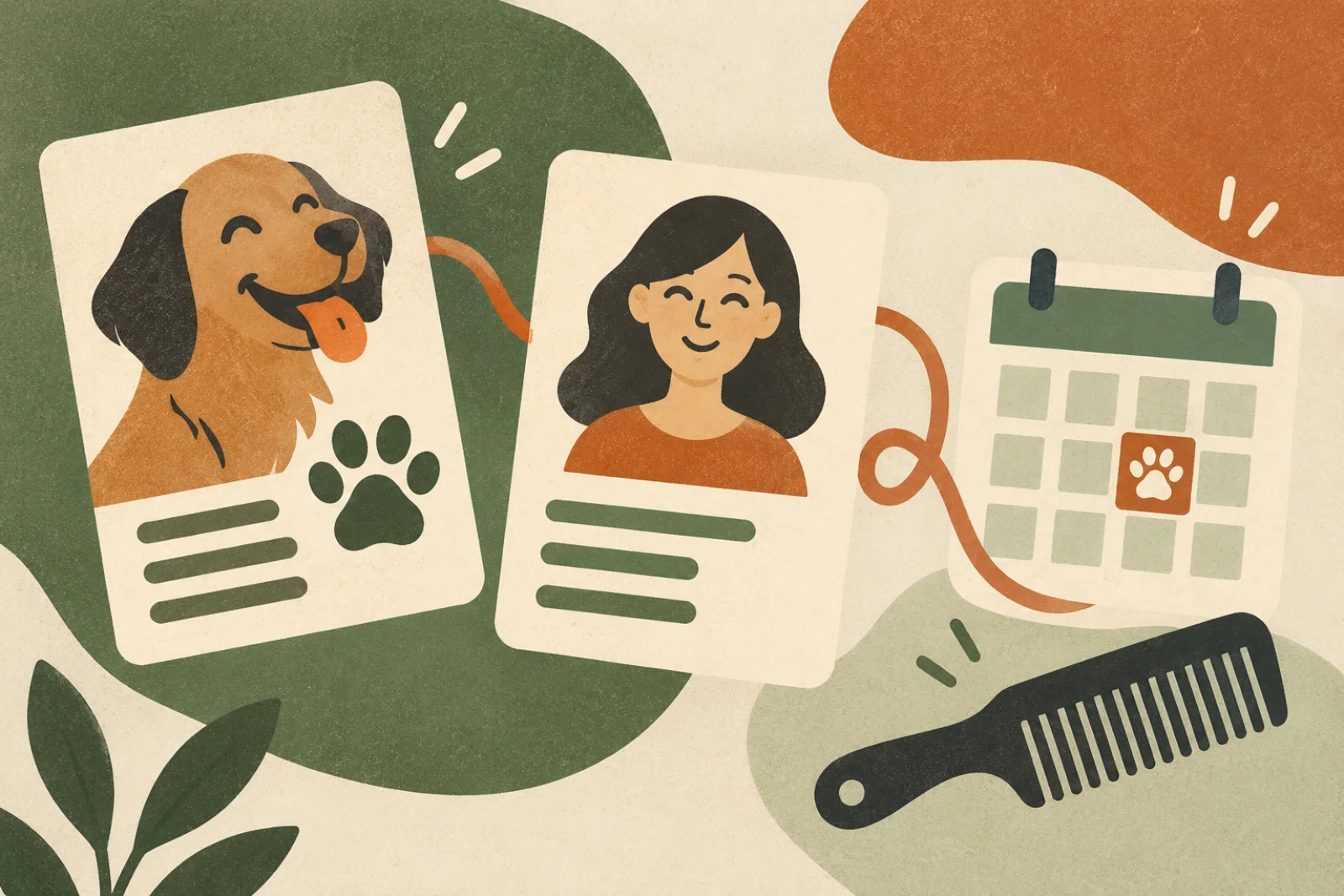
Quick answer: A pet grooming CRM connects an owner record with separate profiles for each animal, appointment history, customer communication, payments, and follow-up. Blismo connects core pet booking fields with scheduling and its broader communication and rebooking workflows. Confirm specialized notes, health records, photos, and multi-pet configuration for the account before promising them.
A Pet Grooming CRM Needs Two Connected Records
A generic contact list treats the owner as the only customer. Grooming is different: the owner books and pays, but each pet has its own service, weight, coat, preferences, and return interval.
- Owner record: contact information, household relationship, communication preferences, and payment context.
- Pet record: name, sex, birthday, weight, breed or type, service history, and grooming preferences.
One owner may book a frequent nail trim for one pet and an eight-week full groom for another. Combining both animals in one note makes preparation and follow-up less reliable.
What Information Should a Grooming CRM Keep?
Start with information the team uses: owner contact, each pet’s identity, booked and completed services, visit dates, groomer, actual duration, customer messages, payments, and the next recommended visit. Review who can see sensitive notes and how long they remain useful.
Blismo’s confirmed pet booking fields are animal name, sex, birthday, weight, and type or breed. A shop should verify the exact options for custom notes, photos, vaccination documents, and behavior or health information before using those as system requirements.
Connect the Record to the Daily Workflow
A spreadsheet, calendar, payment app, and phone may each hold part of the relationship. A connected workflow helps staff answer which pet is booked, what happened last time, whether an owner has received a response, and when this particular animal should return.
Blismo brings booking, customer records, payments, and Smart Rebooking into the same operating flow. Coco can help with calls while groomers are working, and Alice can help with messages, subject to the channels and rules enabled for the business. The goal is a complete booking that staff can act on, rather than a message that must be copied between tools.
How the Relationship Layer Works
Before the first visit, the shop should be able to identify the owner, the individual pet, and the service. At check-in, staff confirm what has changed rather than starting the interview again. After service, the business can connect payment, customer communication, the visit outcome, and the next recommended interval.
That sequence makes a CRM more than a database. A phone inquiry can become a booking; a visit can become a useful history; and a completed appointment can lead to a timely return invitation. Blismo’s Coco supports customer phone inquiries, Alice supports messaging workflows, and Smart Rebooking supports follow-up. The exact channels, automations, and escalation rules should be checked for each account.
Marketing only helps when visitors can take the next step. A grooming website or social post should lead into the same booking process rather than another disconnected form. Staff can then distinguish a new prospect from a returning owner and use the right pet profile.
Seven CRM Workflows Worth Reviewing
- New inquiry: capture enough detail to move the call or message toward a complete booking.
- Confirmation: tell the owner which pet, service, date, and time were reserved.
- Pet identity: keep core fields structured and correct them when they change.
- Pickup communication: use the right contact and approved channel.
- Checkout: connect the payment and receipt to the visit.
- Return follow-up: use the pet’s actual booking activity, not one generic campaign for every household.
- Marketing to booking: make it easy for a visitor to become an identified client with an appointment.
Review these as a customer journey rather than seven independent feature checkboxes. The benefit comes from reducing handoffs and repeated data entry.
Keep the Customer Record Useful and Respectful
More data is not automatically better. Record information the business needs to deliver and improve the service. Give staff a consistent way to distinguish owner-provided facts from groomer observations. Confirm outdated details at the next visit rather than assuming they remain current.
Set access and retention rules for sensitive health and behavior notes, and obtain appropriate consent for marketing messages. A grooming CRM is not a veterinary medical-record system. Shops with specialized vaccination, waiver, clinical, or route-planning requirements should verify those capabilities directly.
A Practical CRM Setup Checklist
- Decide which information belongs to the owner and which belongs to each pet.
- Import only current, useful records and remove duplicates.
- Standardize service names and realistic appointment durations.
- Define short, factual notes staff should record after a visit.
- Set communication consent and access rules.
- Test a booking, a call or message, checkout, and a return visit as a customer.
- Review incomplete bookings, check-in time, and first-to-second visit conversion.
For the first appointment questions, use the intake form guide. For the details captured after service, use the record card guide.
Frequently Asked Questions
Is pet grooming software the same as a CRM?
Not always. Scheduling software can reserve time without connecting owner and pet profiles, visit history, communication, payments, and follow-up.
Why should each pet have a separate profile?
Breed, weight, age, grooming preferences, service duration, and return cycle belong to the individual animal, not the household as a whole.
What pet details does Blismo collect?
Its confirmed pet booking flow includes animal name, sex, birthday, weight, and type or breed. Verify any specialized fields for the active configuration.
Can a CRM store behavior and health notes?
Some can. Confirm the exact fields, access controls, privacy policy, and retention process before collecting sensitive information.