
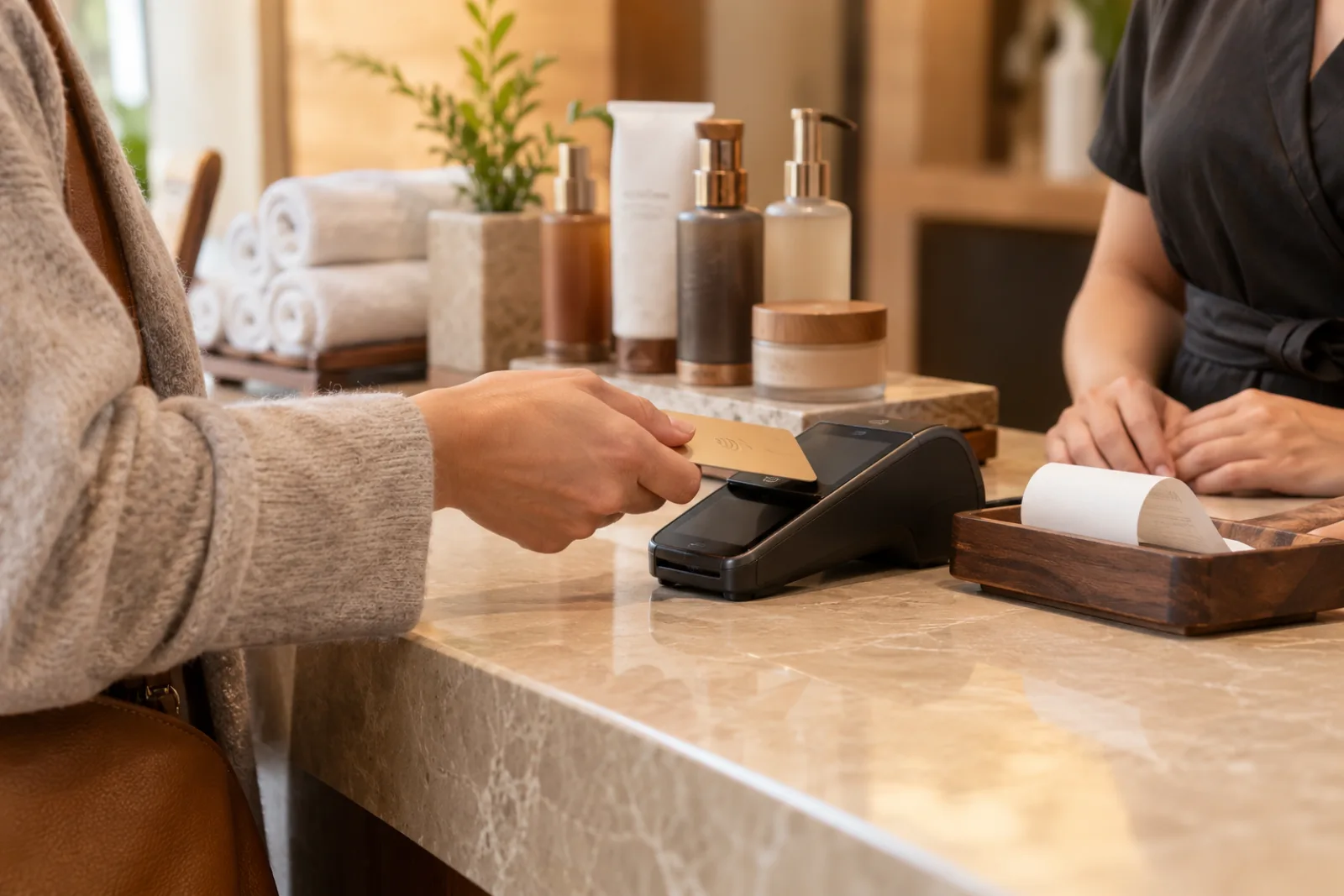
Quick answer: A spa POS system should connect the booked appointment to the treatment actually delivered, provider, price, deposit, products, gift cards, tip, tax, payment, and receipt. It should update client history and reporting without re-entering the sale. Blismo publishes connected booking, POS, payments, inventory, gift cards, reporting, and rebooking capabilities.
Why a Card Reader Is Not a Spa POS
A card reader can say whether a payment was approved. It cannot by itself explain which treatment generated the sale, who performed it, whether a deposit was already paid, what retail was added, or when the guest should return.
If booking and checkout are separate, staff reconstruct the transaction from memory. Deposits may be missed, the final ticket may not reflect service changes, staff attribution may be wrong, and client history may remain incomplete.
The Complete Spa Checkout Journey
- Select the correct completed appointment and guest.
- Confirm the service actually delivered and any add-ons.
- Apply the deposit, package credit, promotion, or gift card accurately.
- Add retail products and update inventory where supported.
- Collect the remaining balance and tip securely.
- Issue an itemized receipt and reconcile the payment.
- Update useful client notes and offer the next appointment.
Verify tax, refund, gift-card liability, and processing rules for the business’s region and payment provider.
What to Check in a Spa POS Demonstration
Ask the vendor to show appointment lookup, deposit application, service changes, provider attribution, tips, split or alternate payments if needed, retail, inventory, packages, memberships, gift cards, refunds, and receipts. Review reports by service, provider, product, and location.
Use individual staff access rather than a shared login when the business needs accurate permissions and attribution. Test a transaction with a deposit and a treatment upgrade; that scenario exposes more integration problems than a simple card sale.
How Blismo Connects Checkout and Rebooking
Blismo combines booking, client records, POS and payments, inventory, promotions, gift cards, and reporting in one platform. A completed visit can inform Smart Rebooking on eligible plans, so checkout becomes a chance to plan the next treatment rather than the end of the relationship.
Confirm the specific processor, payout timing, hardware, refund support, and plan details before migration. The spa software cost guide helps compare transaction costs, and the retention guide explains the follow-up workflow.
Switch Without Losing Financial Context
Before switching POS, export future appointments, contacts, service menus, balances, gift cards, packages, inventory, and the reports needed for reconciliation. Decide which historical data must remain accessible. Run a real checkout, refund, deposit, and end-of-day reconciliation before ending the old system.
Reports and Mistakes to Watch After Launch
Review sales by treatment, provider, location, and product alongside deposits, refunds, tips, gift-card balances, and repeat visits. A daily close should reconcile the card processor with the POS record. If staff use shared logins or leave the originally booked service unchanged after an upgrade, provider and service reporting can be wrong even when the card payment succeeds.
Gift cards and packages need particular care. A sale creates value the spa must still honor later; a redemption should reduce the correct balance and be visible in reporting. Test how the system handles partial redemption, cancellation, refund, and a package used with an add-on. Check any local tax and accounting treatment with the right professional.
At checkout, ask whether the guest wants to reserve the recommended next treatment. A connected system can carry the current service and provider context into that conversation. If the guest is not ready, a follow-up should be based on the completed visit, not simply a generic campaign. The payment screen is one part of a broader client relationship.
Frequently Asked Questions
What is the best POS system for a spa?
The best fit connects the appointment to deposits, services, staff, retail, payments, client history, and the reporting the spa actually uses.
Does a spa POS include online booking?
Some do. Confirm that online, phone, and staff-created appointments flow into the same checkout record.
Can a spa POS handle deposits?
Many can, but test how deposits are applied at checkout and how refunds or late changes work.
What should I verify before switching POS?
Check processor rates, hardware, payouts, refunds, data export, gift-card balances, inventory, and financial reconciliation.