
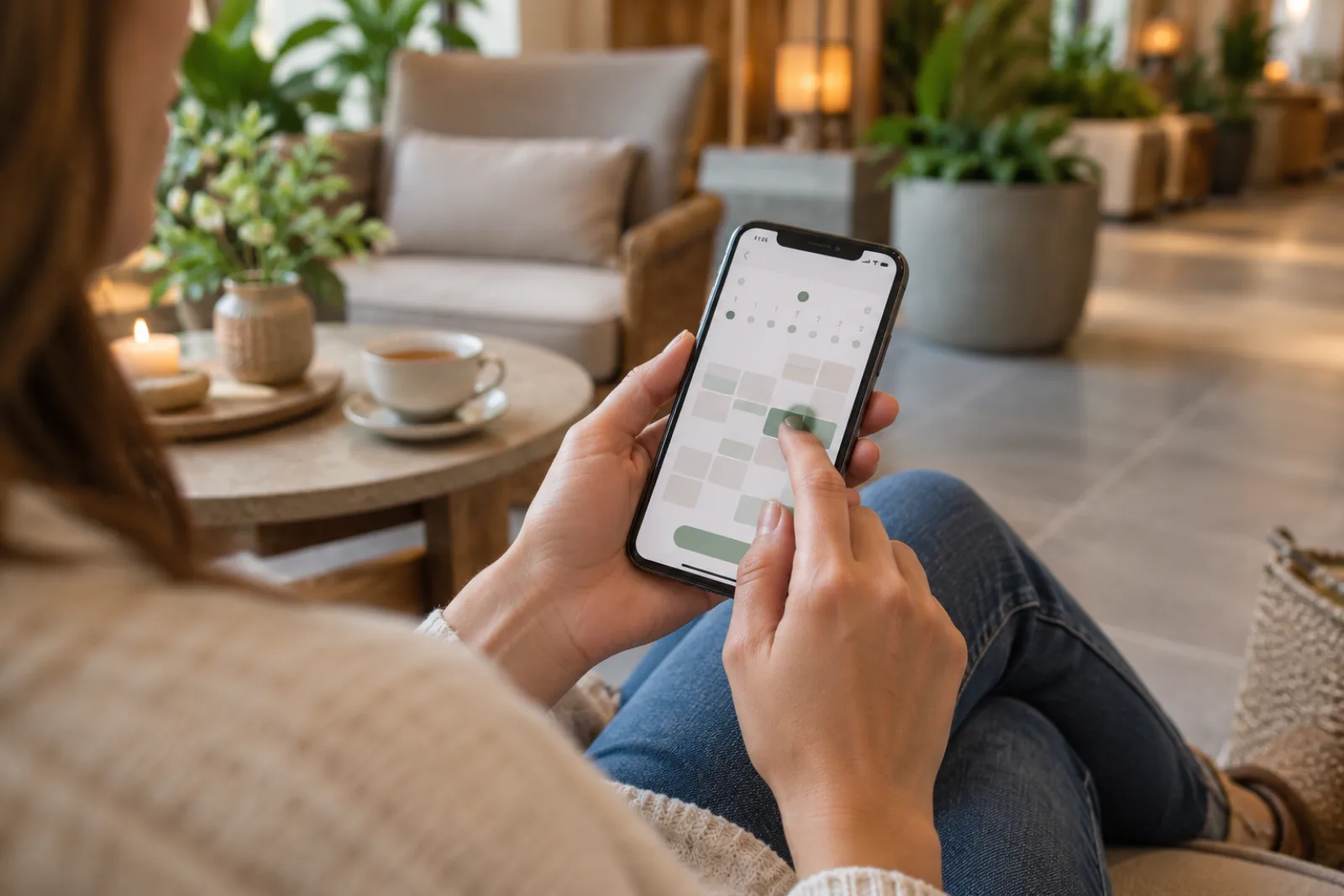
Quick answer: A spa appointment booking app should let a guest choose a treatment, see its price and duration, select an eligible provider, view current availability, pay any required deposit, and receive confirmation. The staff calendar must show that same reservation immediately. Blismo connects online booking with AI calling, messages, a booking website, payments, and rebooking.
What a Complete Spa Reservation Looks Like
- The guest opens a direct booking link.
- They select a clearly described treatment and see duration and price.
- They choose a provider or the first available provider.
- The app shows times from the current calendar.
- They provide contact details and accept the policy.
- The app collects a deposit or payment when required.
- It confirms the appointment and sends the right preparation details.
Phone, website, and staff-created bookings should share the same schedule so a time is not sold twice.
Features That Matter Beyond a Calendar
Look for mobile-friendly booking, service-specific durations, provider eligibility, preparation and cleanup buffers, deposits, reminders, client history, cancellation and rescheduling controls, and an easy way to rebook. A sophisticated app that makes a first-time guest create a long account or choose among confusing treatment names can still lose the reservation.
The scheduling guide explains the additional provider, room, and equipment checks a spa may need.
Connect Calls, Messages, and After-Hours Demand
Guests do not all arrive through the same channel. Some open the booking page, some call to ask about a treatment, and some text about a preferred time. Blismo’s AI calling assistant supports phone inquiries, while AI SMS is listed on eligible plans. Online booking and a customized website provide a direct path when the spa is closed.
Automation should hand off complaints, refund disputes, medical questions, special preparation, or complex treatment combinations to a person. The booking app should make routine reservations easy without pretending every inquiry is routine.
Set Up the Booking App in Seven Steps
- Clean the service menu and remove confusing duplicates.
- Set duration, price, deposit, preparation, and buffer for each treatment.
- Configure provider eligibility, working hours, breaks, and days off.
- Decide which services can confirm instantly and which need consultation.
- Write confirmation, reminder, cancellation, and rescheduling messages.
- Place the booking link on the website, Google Business Profile, social profiles, and customer messages.
- Complete a test reservation from a phone and inspect the calendar, payment, and notifications.
For button placement and service-page design, see the spa website booking guide.
Measure Booking Quality
Track booking-page visits, started reservations, completed reservations, after-hours bookings, phone inquiries that became appointments, reschedules, no-shows, and guests who book again. If many people start and leave, inspect pricing clarity, account requirements, mobile usability, and availability. If guests call after reading the page, the service description may leave important questions unanswered.
Decide What Still Needs a Person
Not every treatment should be instantly bookable. A new service with medical considerations, a complex combination, a group reservation, or a complaint may require staff review. Mark that status clearly. Showing an appointment as confirmed and then reversing it is worse than asking for a consultation up front.
Use the booking app to remove repetitive administrative work: explaining standard services, showing current times, collecting routine details, confirming deposits, and sending accurate reminders. Keep a handoff path for guests whose questions cannot be answered from the configured business information. Test a guest who starts online and finishes by phone, and another who needs to reschedule by text. The appointment should remain one record throughout.
For a solo spa, the most important measure may be after-hours reservations and calls converted while the provider is in treatment. For a larger team, watch provider utilization, incorrect service durations, front-desk corrections, and guest abandonment. A booking app succeeds when it creates appointments the team can deliver confidently.
Frequently Asked Questions
Can spa guests book after hours?
Yes. A live booking page can accept reservations while the spa is closed when services and availability are configured.
Can the app collect deposits?
Many booking systems can. Verify the exact payment flow, policy options, and processing terms.
Can guests choose a therapist?
A spa can usually offer a named provider or first available; confirm eligibility and calendar rules for each treatment.
Does Blismo include a booking website?
Blismo currently publishes a customized booking website with its Starter plan and above.